Security Alert
Broken phone. Lost crypto? Plan your recovery before you need it.
Your phone falls, its screen stays black and you cannot open your wallet app. Have you lost your crypto too? Not necessarily. What you prepared beforehand often makes the difference. A calm recovery plan helps you understand the access you need instead of guessing at the most stressful moment.
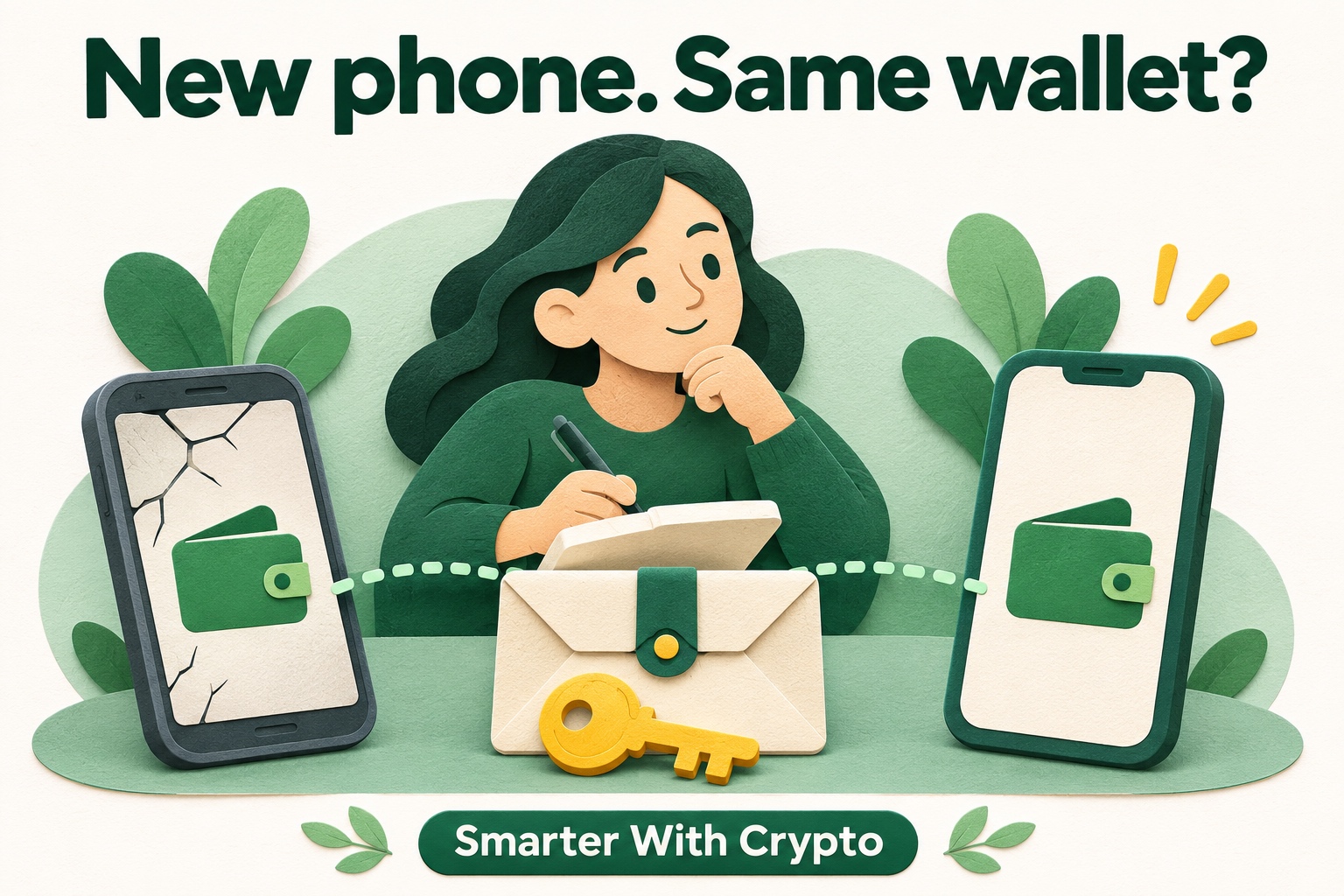
A device is not the same as an account
In a self-custody wallet, your crypto is not stored as coins inside your phone. The app helps you use the account. A broken screen does not erase a blockchain. Regaining access still requires the appropriate recovery method. Reinstalling an app with the same icon does not establish that you opened the same account.
Ask a simple question beforehand: how would I regain access if this device vanished tomorrow? The answer can differ for an exchange account, a recovery-phrase wallet or a passkey wallet. A familiar brand name does not tell you which setup method you selected when creating your account.
Passwords, recovery words and passkeys do different jobs
MetaMask describes different recovery routes depending on how a wallet was created. An app password does not automatically replace recovery words. Separately imported accounts may need their own recovery step too. Read the official instructions for your particular setup before erasing an installation that still works.
Passkeys also require attention. Coinbase explains that some smart-wallet passkeys synchronise through an account while others are tied to a device. A recovery option may need preparing while you still have access. Do not rely only on the thought that your phone already has a backup.
A fictional example: Noor gets a new phone
Noor wants to trade in her old phone. Her wallet still works, and she assumes she can simply download the app again later. Before deleting anything, she makes a list without secrets: which wallet she uses, which accounts she manages and where she can find the verified official recovery instructions.
She discovers that one account was added separately. That prompts her to find out how that account can also be recovered before handing over the device. This example is invented. Its practical lesson is that replacing a phone is a good moment to review your access plan, not to start again blindly.
Later, Noor compares the intended public addresses and networks. An empty overview prompts her to check settings and the recovery route rather than conclude everything has disappeared. She does not need to send money to an unknown helper simply to make a balance appear on a screen.
Do not turn recovery into a rush
Keep secret recovery information according to official guidance and out of conversations with helpers. Do not put it in your ordinary planning list. Find instructions yourself through a verified route. A message promising recovery in exchange for your words does not make its sender official support, even if they know your public balance.
If the old device was stolen or may be compromised, regaining access is only part of the issue. Restoring on another device does not automatically disable earlier access in every wallet. Find out through official support which security steps fit your situation, and do not use the suspect device to investigate.
You do not have to test this by erasing your only working wallet. Begin by understanding, documenting without secrets and checking the correct recovery route. Practise decisions with the free quizzes at three levels. The goal is knowing a sensible next step when a device fails.
Original sources & further reading
- Ethereum.org — wallets, accounts and access
- MetaMask — restoring access and imported accounts
- MetaMask — passwords and recovery methods
- Coinbase — passkeys and smart-wallet recovery
Sources checked on .