Security Alert
You scanned a QR code. What did you just open?
A QR code saves typing. Point your camera, tap the screen and you are somewhere else. That is useful, including with crypto. But the square does not tell you who is behind it or what you might allow next. Looking at the destination and then the request helps you stay in control of the next step.
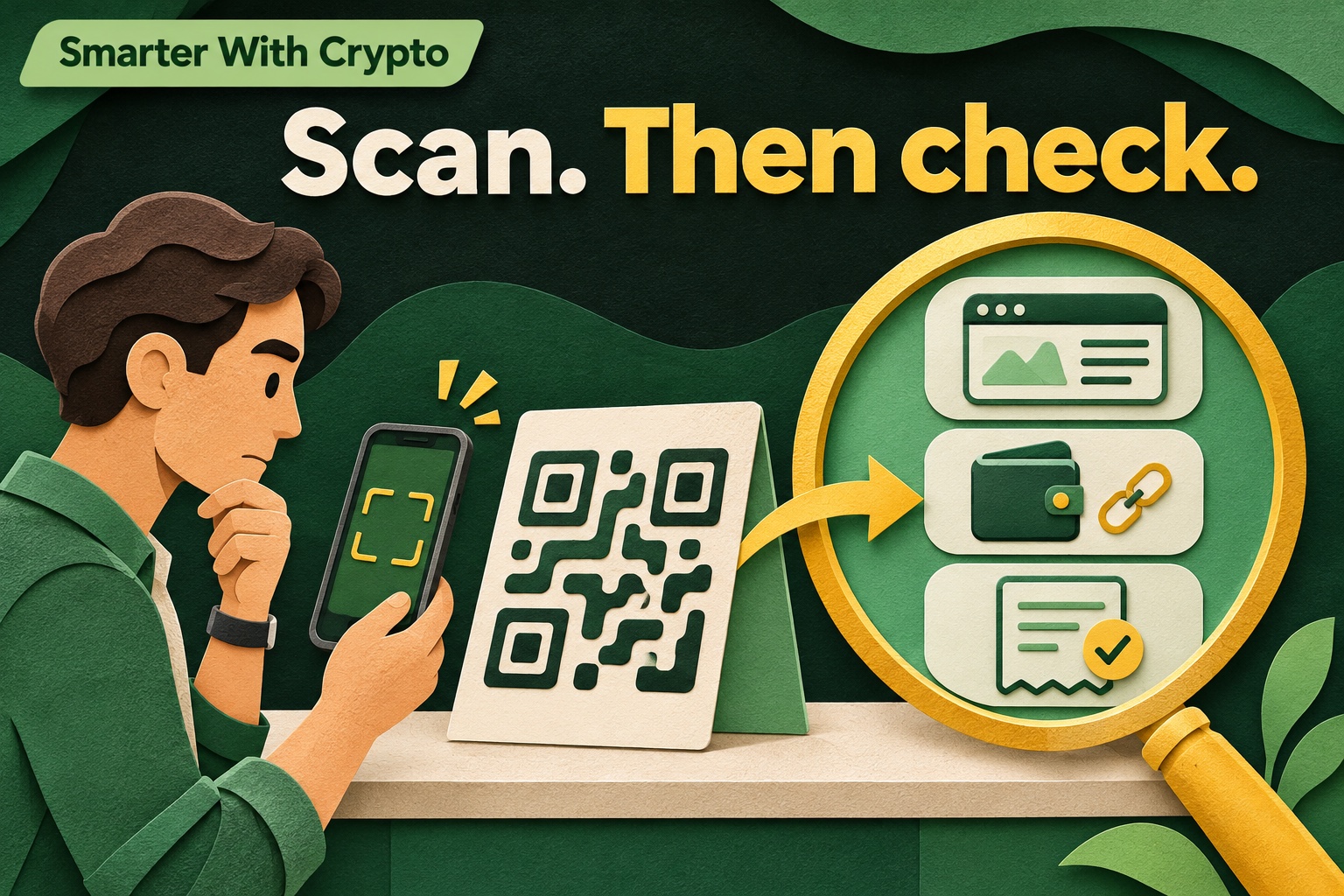
A shortcut is not a seal of approval
A QR code can contain information such as a website address or details for a payment request. Your phone or wallet translates the pattern into something the app can use. The code’s appearance says little about its creator’s trustworthiness. A tidy printed card, familiar logo or professional screen does not change that.
Think of an envelope: it might contain an invitation or an incorrect bill. Recognising the envelope does not establish that its contents are right. You can use a QR code as a convenient tool while checking the source and the action separately. You do not need to learn how to decode the pattern yourself.
First look at where it leads
The FTC warns that codes can lead to imitation websites and that urgent messages encourage people to open them without thinking. Read the actual address your phone displays. Nearly identical spelling, or a familiar name somewhere inside a longer address, does not establish that you reached the genuine website.
If a code arrives unexpectedly in a message, check the request through a separate known route. Use the official app or a website address you have independently verified. The FBI also describes stickers placed over genuine codes. You do not have to prove who placed a sticker before deciding to stop and check.
Different crypto actions can follow
A code might display a wallet address, fill in payment details or start a website connection. These are different actions. Uniswap’s WalletConnect instructions include reviewing the website and confirming the connection after scanning. That description is not a guarantee about every app or every code you encounter.
Ethereum also describes a format for transaction requests carrying details such as the recipient and amount. Automatically filled does not mean automatically correct. On the genuine confirmation screen, compare recipient, network, asset, amount and fees with your own intention. A connection request is not permission to accept every later prompt without understanding it.
A fictional example: right-looking code, wrong request
Suppose Noor sees a QR code at a stall to pay for her order. The page that opens asks for her crypto wallet’s recovery words. She stops. Paying for the order does not explain why somebody needs those words. She asks the seller through an independent route how the real payment process works.
This example is invented and does not describe a named shop or wallet. The lesson is the gap between intention and request. Noor wanted to pay for one order. The screen asked for a secret that could grant much broader access. Even a small purchase does not make that mismatch reasonable or safe to ignore.
Already scanned? Review what happened next
Looking at a pattern differs from opening a website, installing software, logging in or signing a wallet request. If you are concerned, list your actual steps. Close the suspicious page and find official support independently. Do not share recovery words or passwords with someone who suddenly offers to help you afterwards.
If you entered information or approved something, tell genuine support exactly which action you took. Closing a page does not automatically undo an earlier permission. Keep your device updated and learn the screens of your own wallet. Practise these decisions with the free quizzes at three levels, without sending money or installing a new wallet.
Original sources & further reading
- FTC — harmful links hidden in QR codes
- FBI IC3 — QR-code tampering and payment redirection
- Uniswap — reviewing a WalletConnect connection
- Ethereum ERC-681 — transaction-request URLs
Sources checked on .